Trading
How to place orders, close positions, and set TP/SL.
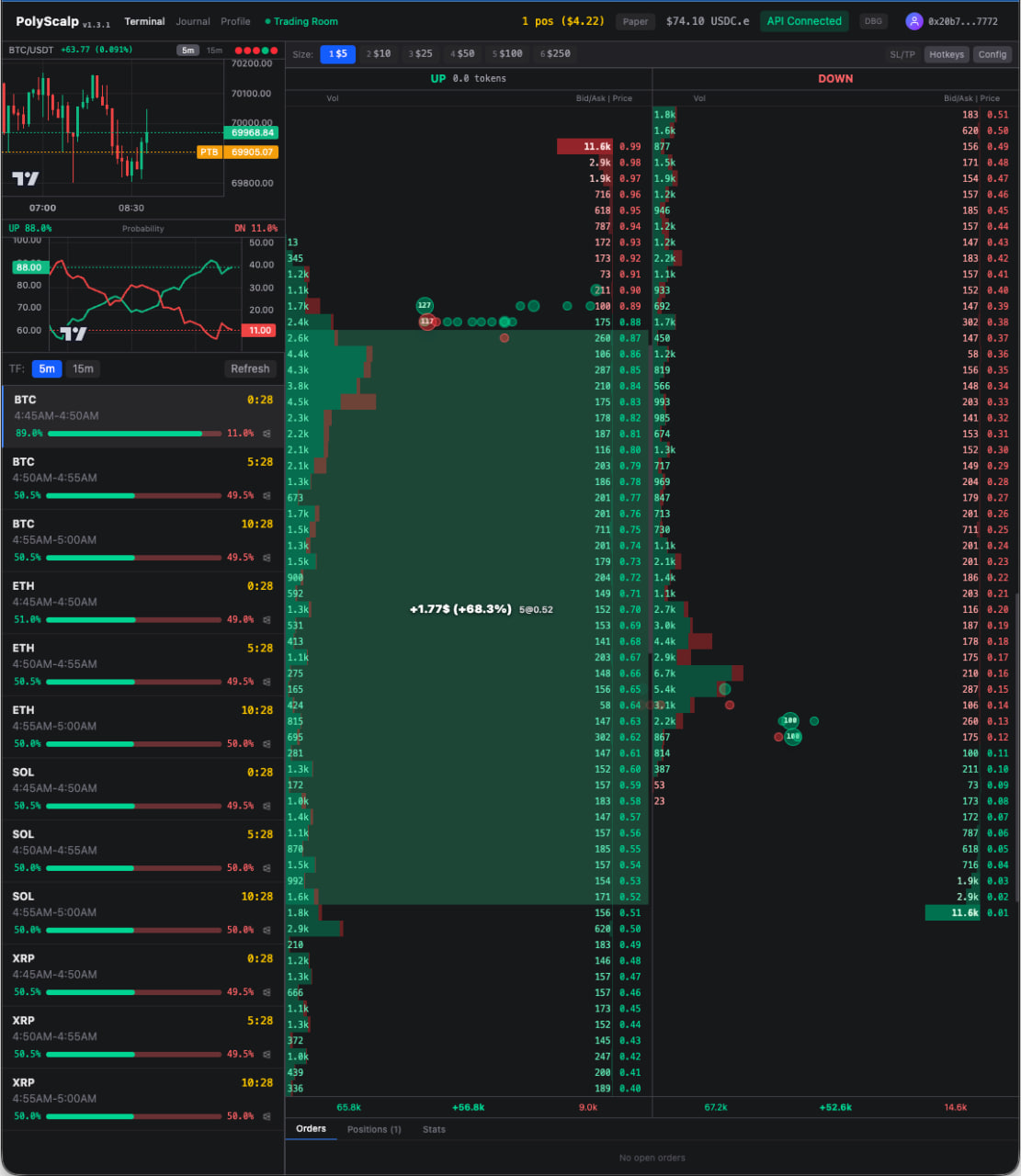
Placing limit orders on the ladder
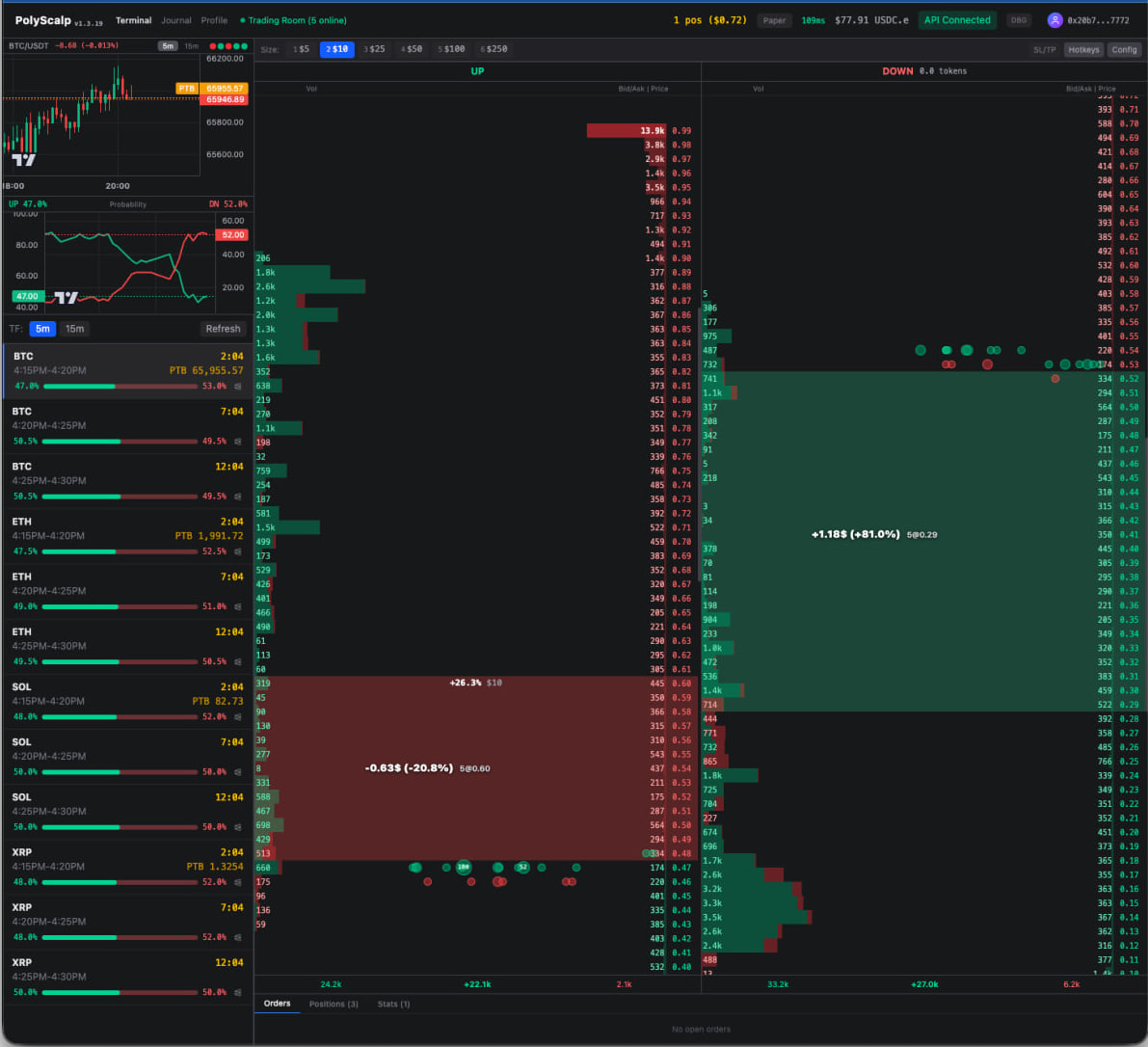
Open positions with real-time P&L
Order Book Controls
ActionHow
Limit BuyClick on bid side
Limit SellClick on ask side
Market BuyCtrl + Click bid
Market SellCtrl + Click ask
Set TP/SLShift + Click
Cancel All OrdersEsc
Close All (Market)Ctrl + Esc
Close All (Limit)Alt + Esc
Opening a Position
- 1.Select a market from the left sidebar (e.g., "BTC 5m Up/Down")
- 2.Choose your order size using preset buttons 1–6 at the bottom
- 3.Click on a price level in the order book — green (bid) side to buy, red (ask) side to sell
- 4.Your limit order appears on the ladder. It fills when the market reaches your price.
Closing a Position
- •Market close: Press Ctrl + Esc to close all positions at market price immediately
- •Limit close: Click on the ask side of the order book at your desired exit price
- •Auto-close: Set TP/SL orders that trigger automatically when price reaches your target
Setting Take Profit / Stop Loss
- 1.Open a position first (buy shares)
- 2.Hold Shift and click above mid-price for Take Profit
- 3.Hold Shift and click below mid-price for Stop Loss
- 4.TP/SL markers appear on the ladder. When price hits them, a market sell triggers automatically.